

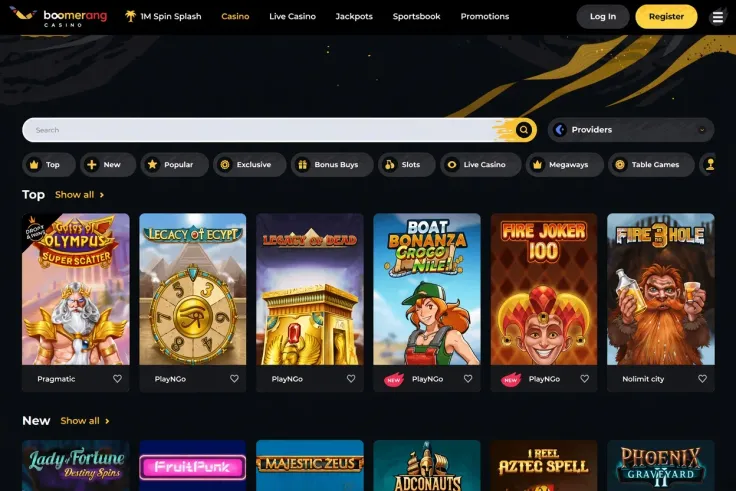
Verifying your Boomerang Casino account means uploading the documents listed in the steps above: ID card, passport or driver's licence, Proof of address, Proof of payment method ownership and Selfie with ID. Have clear copies ready before you start, because verification is required. The steps and the table above show what to do, and this page covers what stands behind them and what to do when something goes wrong.
Allow enough time to find and photograph each document, and check that none has expired. Support is available 24/7 if you get stuck.
What the checks are for

Each document answers a different question. The ID card, passport or driver's licence shows who you are and that you are an adult. The proof of address shows your current address. The proof of payment method ownership shows that the method you pay with belongs to you, and the selfie with ID links the document to the person holding it.
That is why every document must be in your own name and match the details on your account. If a name or an address differs between documents, expect questions and use the same spelling everywhere. The same goes for the date of birth, which should read identically on every document you send. When you make a deposit, use a payment method in your own name, so the proof of ownership you send matches it.
Upload documents only through the verification section of your account, as the steps above describe, and not by email to anyone who contacts you first.
It also helps to know what makes a good copy. The whole document should be visible, the text sharp and the photo free of glare. For the selfie with ID, hold the document next to your face so that both are clear in one frame. For proof of address, choose a document that shows your name and address together. A rejected upload is almost always a quality problem, not a problem with you.
Verification is required for every account, so it is worth finishing before you need it. Starting early also leaves time to replace a document that is rejected. Gather everything in one sitting, so that each file is named clearly and none is missing when you upload.
18+ · T&Cs apply
Common problems and what to do

A document is rejected. The usual causes are a blurry photo, a cut-off corner, glare over the text or a document that has expired. Take the photo again in good light on a flat surface, with all four edges visible, and send it again.
You cannot log in. Check the login page for the account side, and contact support if a reset does not work.
Something is unclear or stuck. Boomerang Casino support is available 24/7 through live chat and email. There is no phone line. Say which step you are on and which document is involved, so the reply can be specific.
Trouble with a payment method is a separate matter. The withdrawals page explains what to check there.
If a document is rejected twice, ask support what was wrong rather than guessing. Describe the document you sent and what the rejection said, and ask which part needs fixing.
Keeping your account safe
Enter your password only on Boomerang Casino's own website, and never send it to anyone, including anyone who claims to be support. Keep your documents together so you are not tempted to use someone else's, and never look for a way around the checks.
If the account offers deposit limits, set one before you deposit. It keeps your spending in a range you chose in advance, whatever happens during the process.
Keep copies of what you sent so you know exactly what was uploaded, and note the date you sent each one so you can refer to it if you contact support. If anything about the process feels wrong, stop and contact support before sending more.