

How Boomerang Casino works on a phone
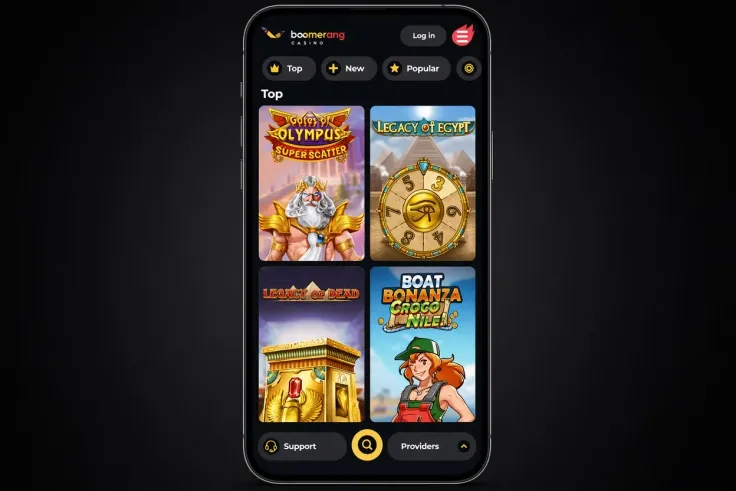
The mobile site is the only phone route to Boomerang Casino, and it runs inside your browser. You open Safari, Chrome or whichever browser you use, go to the casino's website and log in or register there. The phone pages show the steps, and each platform page adds the details that differ.
Having no app has practical consequences. Nothing is installed, so nothing takes up storage and nothing needs updating except the browser itself. A browser session needs an internet connection the whole time you play, so a weak signal affects it directly. The iPhone and Android pages both show how to add a shortcut to your home screen, which gives you a one-tap icon without installing anything.
A phone screen shows less at once than a computer monitor, so expect more scrolling through long pages such as terms and conditions. Read them in full before you deposit, rather than relying on the short summary at the top of a page. Turning the phone sideways gives wider tables and game screens more room.
Registration and login go through the same browser. The sign up page and the login page cover those steps. Boomerang Casino requires identity verification, so the verification page is worth reading before you start.
Boomerang Casino has a live casino and lists 112 game providers, among them NetEnt, Pragmatic Play, Play'n GO, Evolution, Nolimit City, Hacksaw Gaming, Playtech, Yggdrasil, Red Tiger, Big Time Gaming, Relax Gaming and BGaming. Live video in a browser usually uses more mobile data than reading or browsing, so look at your data allowance, or connect over Wi-Fi you trust, before you open live games.
iPhone, Android and mobile site compared
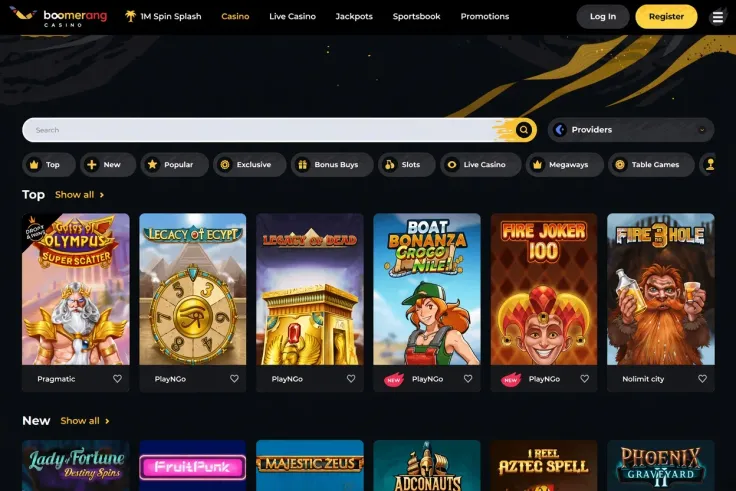
All three pages lead to the same place: playing Boomerang Casino in a browser. They differ in the browser and the menus you work with. The iPhone page is written around Safari and its Share menu, the Android page around Chrome and its browser menu, and the mobile version page covers the common steps for any phone. If your phone uses a different browser, the menus carry different labels but the idea is the same.
None of the three adds features the others lack. They are the same browser route described for different devices, so choose by your device, not by what you hope to find. The cards above show each page, and the facts behind them are simple: no iPhone app, no Android app, and the mobile site is available.
Content blockers, private browsing and strict privacy settings can interfere with logging in to any website. If the site behaves oddly in one browser, trying another is a sensible first step before you contact support.
The same logic applies if you own more than one device. A phone is convenient for a quick look, but a larger screen is easier for reading terms and checking payment details. That is a matter of comfort, not of any difference in what Boomerang Casino offers.
18+ · T&Cs apply
Where to start

Pick the page that matches your phone. On an iPhone, start with the iPhone app page; on an Android phone, start with the Android app page. If you use a tablet, or a browser other than Safari or Chrome, the mobile page is the better fit.
Three things are worth checking before you register. Your browser should be up to date. Your screen lock should be set, so nobody else can open your phone. Your mobile data or Wi-Fi connection should be steady enough for the games you plan to open. If you share your phone with family, think about whether you are happy for them to see your gambling activity in the browser history or in saved logins. None of these depends on Boomerang Casino; they decide how smoothly the browser route works for you.
Phone habits that protect your account

Set a screen lock and keep it on, so a lost or borrowed phone does not open your account. Avoid saving your Boomerang Casino password in a browser that other people use, and log out when you finish on a shared device. Use mobile data or a Wi-Fi network you trust for logging in and for payments, not an open public hotspot.
Keep your browser up to date, since updates carry security fixes. When you pay, use a payment method that belongs to you; the deposits page covers the methods and what to check first. If the account offers deposit limits or time-outs, set them before your first deposit. The safer gambling page explains what those tools do.