

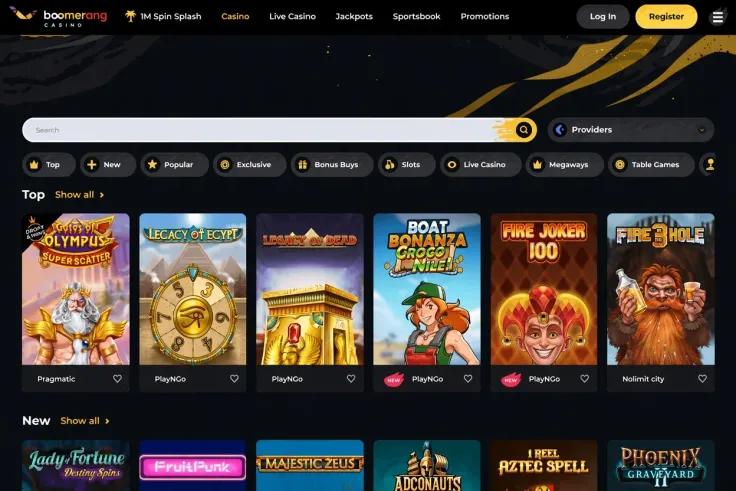
To sign up at Boomerang Casino, you open the website, register with your personal details and complete identity checks, as the steps above set out. You must be 18 or over. Before you start, have your documents and your payment details within reach, and use a device you control.
Boomerang Casino requires identity checks, so registration is smoother when the details you enter match your documents exactly. This page covers what sits behind the steps and what to do if something goes wrong.
What sits behind the registration steps

Registration looks like one form, but it involves three things you can prepare for.
The first is your personal details. Enter them as they appear on your identity document: full name, date of birth and address. A nickname, a short version of your name or an old address is the easiest way to create a problem later. Use an email address you can access, because you will need it for the account.
The second is identity. Boomerang Casino requires identity checks, and the documents it may ask for are ID card, passport or driver's licence, Proof of address, Proof of payment method ownership and Selfie with ID. These fall into a few groups. A photo identity document proves who you are, proof of address links you to your address, proof of payment method ownership shows that the method you pay with is yours, and a selfie with your ID shows that the document is yours. You may not be asked for all of them at once, so be ready to send more than one. The verification guide explains each document in more detail.
The third is the offer. The welcome offer has its own welcome bonus page, and the no deposit bonus codes page covers that kind of offer separately. Read the terms there before you deposit, not after, because an offer is easier to understand before any money is involved. T&Cs apply.
Finally, there is the first payment. The deposit guide explains how the cashier is used. Decide on an amount you can afford to lose, and make the payment from a method in your own name.
18+ · T&Cs apply
Common problems at registration

Most registration problems are small and easy to fix.
If the form does not accept your details, check for typing errors first: an extra space, a missing letter or a wrong digit. Check the format of your email address and your date of birth before you try again.
If a document is rejected, look at the picture before you send it again. It should be clear and complete, with all four corners visible, nothing covering the text and no glare on the surface. The name on the document must match the name on your account. Send the same type of document again unless support asks for another one.
If you have forgotten the password you chose, do not create a second account with the same details. Contact support and ask how to regain access. A forgotten password is a small problem, and a second account would only add a bigger one.
If you are stuck at any point, contact support. Boomerang Casino offers live chat and email, with support hours of 24/7. There is no phone line. Keep your message short, say which step you are on and what you have already tried.
If an identity request seems unclear, ask support to explain it before you send anything. Check that the request comes through the casino's own channels, and never send documents to an address you found in a message you did not expect.
It also helps to write down which documents you have sent and when. If a question comes up later, you can tell support exactly what was submitted, and you avoid sending the same file twice.
Keeping your new account secure

Choose a password you do not use anywhere else, and enter it only on Boomerang Casino's own website. This site has no login or payment form, and it never asks for your password or card details.
Keep your documents in a safe place on your own device, delete spare copies from shared folders once they are sent, and send them only through the channel the casino asks for. Do not share your account or let someone else register for you.
Set a deposit limit at the start, if the account offers one. Choosing a figure before you play is easier than choosing it in the middle of a session, and it keeps the cost of the entertainment in your hands.
Use a private connection when you register. Public wifi and shared computers are poor places to type personal details or to photograph identity documents, so wait until you are on a network you trust.
Finally, register only when you are ready to complete the process. A half-finished registration with documents scattered across several devices is harder to manage than a short session with everything to hand.