
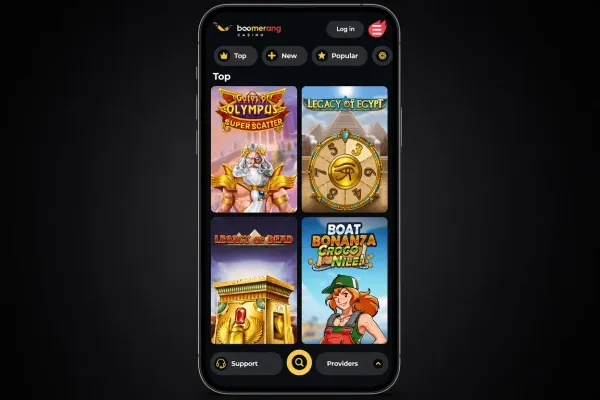
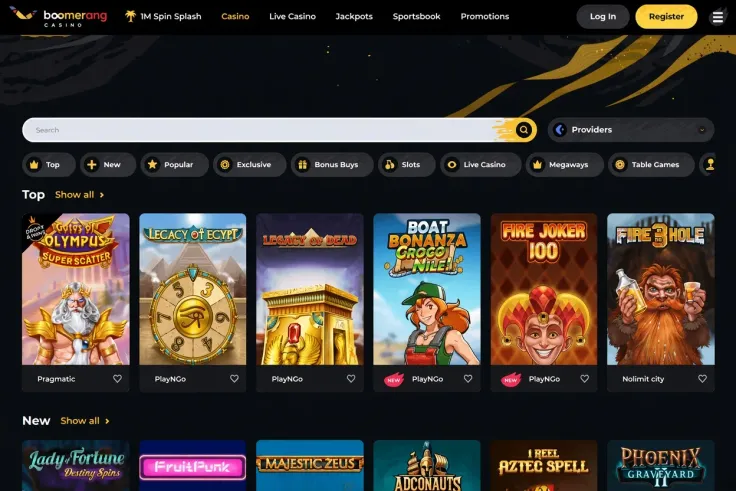
Boomerang Casino has no iPhone app, so there is nothing to find in the App Store and nothing to install. On an iPhone you play through the mobile site in Safari or another browser you already use. The sections below cover what to expect from that route and how to look after your account on a phone. The Android page describes the same route for Android devices.
What you get on an iPhone

The mobile site is the way to reach Boomerang Casino from an iPhone. You can log in or create an account from the browser, and Boomerang Casino requires identity verification, so have your details ready when you register.
A phone screen shows less at once than a computer monitor, so expect more scrolling through long pages such as terms and conditions. Read them in full before you deposit, not just the summary at the top. Turning the iPhone sideways gives tables and game screens more room.
Boomerang Casino has a live casino. Live video usually uses more mobile data than ordinary browsing, so check your data allowance or use a Wi-Fi network you trust before you open live games.
Why there is nothing to install

Because Boomerang Casino has no iPhone app, there is no install step. Do not install an app, a profile or a file from a link, message or unfamiliar website, even if it uses the Boomerang Casino name. Something like that does not come from Boomerang Casino, and it can put your device and your account details at risk.
Playing in the browser means the experience depends on Safari and your connection. Keep iOS and Safari up to date, since updates carry security fixes, and expect a weak signal to slow or interrupt a session. As the steps above show, you can add a shortcut to your home screen for one-tap access. It opens the same site in the browser; it does not install an app.
If the page looks wrong or a button does not respond, try another browser or switch off a content blocker for the site before you contact support. The mobile version page covers the common steps for any phone.
If you use more than one browser, stick to one for Boomerang Casino so your login and any saved details stay in a single place that you control. Check which Safari sign-in or sync features are on if the iPhone is shared, since saved passwords can follow you across devices.
Practical points on a phone

Set a passcode and keep it on, so a lost or borrowed iPhone does not open your account. Avoid saving your Boomerang Casino password in a browser that other people use, and log out when you finish on a shared device. Use mobile data or a Wi-Fi network you trust for logging in and for payments, not an open public hotspot.
Pay only with a payment method that belongs to you, and look over the details on screen before you confirm a payment. The deposits page lists what to check first. If the account offers deposit limits or time-outs, set them before your first deposit; the safer gambling page explains what those tools do.